AeroGarden Troubleshooting by Model: Pump, Lights and Warnings
Cal HewittPublished Checked
- aerogarden
- pod gardens
- growing
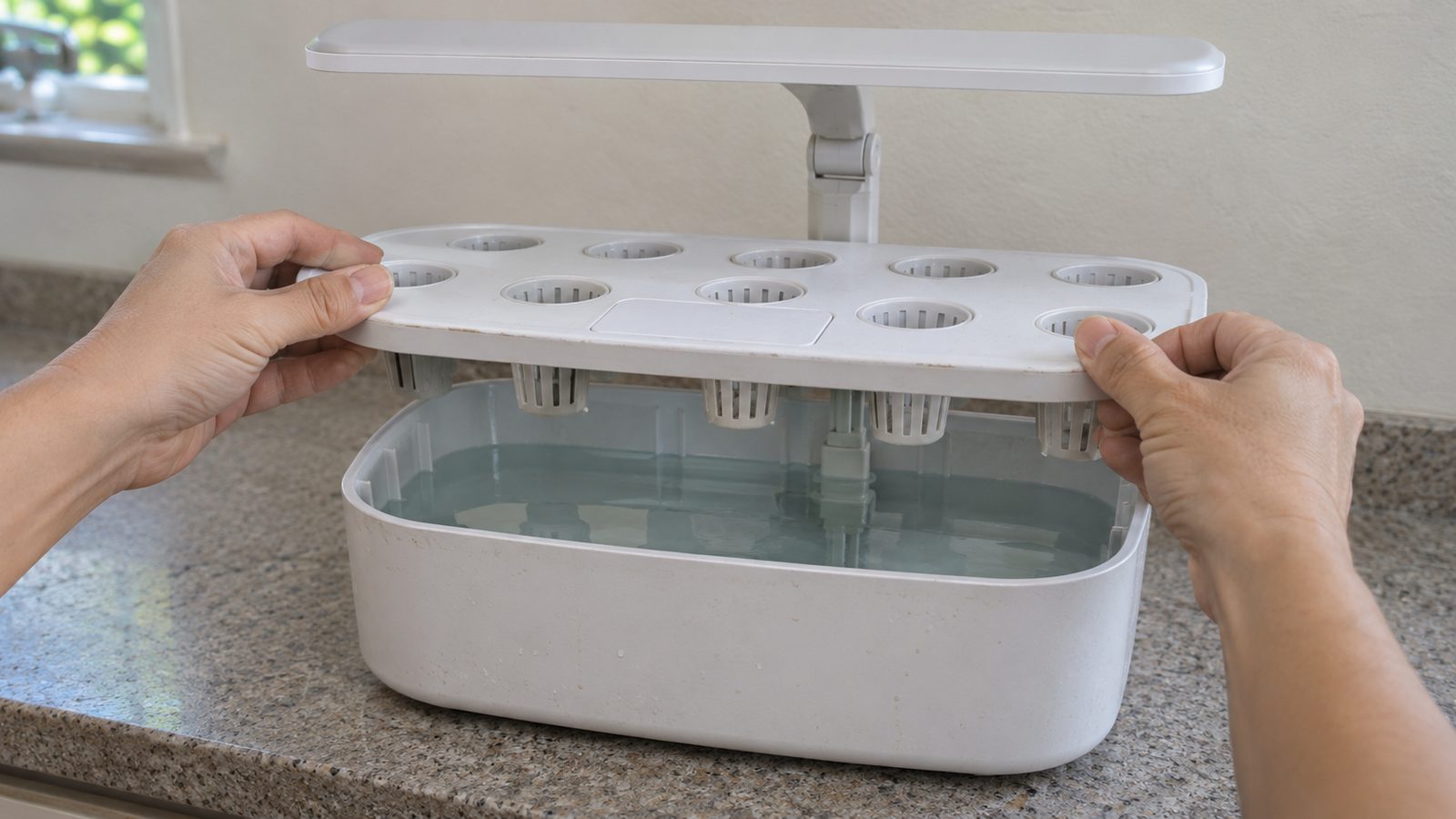
Start by finding your model name, because the button presses differ between a Sprout, a Harvest, a Bounty and a Farm. Then test the pump before you decide it has failed. AeroGarden says its pumps run on a timer and are built to be quiet, so water moving or dripping through the tray can be normal sound.
If the pump test works, the cause may be a light setting, a water float or a nutrient alert, and each has a short fix below. If a pump test fails after your model's steps, or an alert stays wrong after a reset, contact AeroGarden support rather than opening anything.
Do not open sealed electrical parts, change wiring or solder anything. AeroGrow's warranty excludes unauthorized modifications, and the fixes on this page use buttons, menus, water and basic handling of the bowl, float and pump.
Pump not moving water: the test for each model
The test is different on each model, and it is the quickest way to learn whether the pump has power and moves water. On a Farm, keep the water below the Max Fill line. The model steps come from AeroGarden's FAQs (read November 19, 2026).
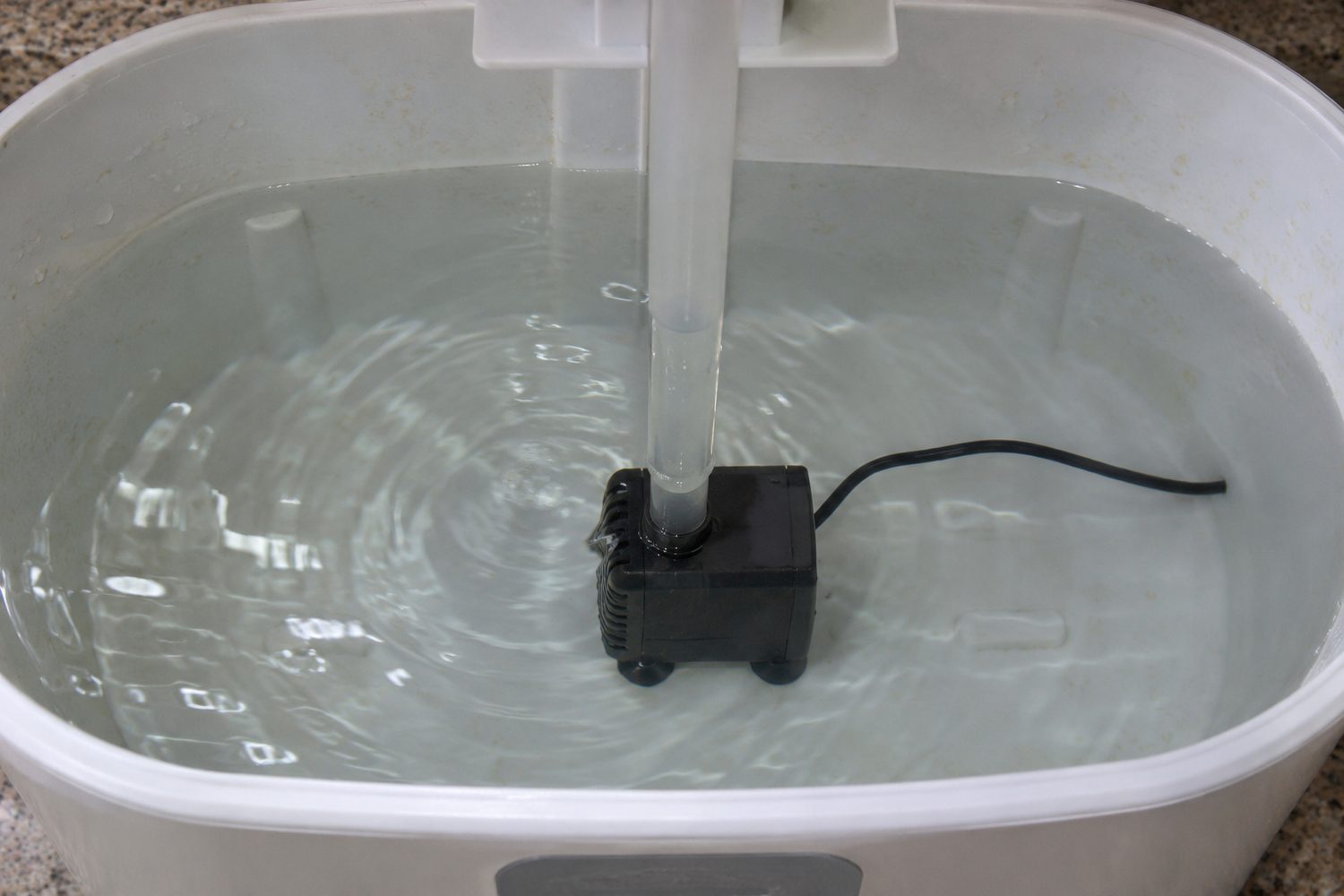
On a Harvest, hold the Leaf button for a few seconds and the pump runs for one minute. On a Harvest Elite, press Leaf, scroll with the arrows and choose Test Pump. On a Bounty or a Farm, open Menu, choose Pump settings, then Test Pump. The Farm Instruction Guide describes the same path for Farm owners.
Watch the water while the test runs. If water moves, the pump is working and the fault is somewhere else. If the pump vibrates and nothing moves, the Sprout and Harvest Lite priming steps below apply to those models; on any other model, contact support. If it does nothing at all, check that the pump cord is connected, run the test again, and contact support if it still does nothing.
Sprout: a low-water shutoff stops the pump and the light
On a Sprout, low water triggers a safety shutoff that stops both the pump and the light. AeroGarden's answer on the Sprout product page (published June 28, 2024) says to add water, carefully lift and slightly tilt the bowl so water moves past the pump, set the bowl back and wait.
AeroGarden says the pump may check for water for about 8 seconds and try again about 16 seconds later. Give it time to finish both checks before you decide nothing happened. If the pump has power but still moves no water, take off the mushroom-shaped aeration stem, tap or briefly cover the pump opening while it runs to prime it, then put the stem back. If that fails, the same answer says the pump may need replacing and sends you to support.
Harvest Lite: priming works the same way
For a Harvest Lite, fill the bowl, connect the pump and listen for about 8 seconds of pump noise followed by a pause. If the pump vibrates but water does not move, remove the mushroom stem, tap the pump to prime it and reinstall the stem. AeroGarden's FAQs describe this as the pump-priming step for that model.
AeroGarden's cleaning guidance says to remove the pump before cleaning the bowl and grow deck. For the rinse, see how to clean an AeroGarden.
Lights off or on the wrong schedule
Check the clock, the plant-type setting and the power cord first. The steps below are AeroGarden's, from its FAQs and manual index (read November 19, 2026).
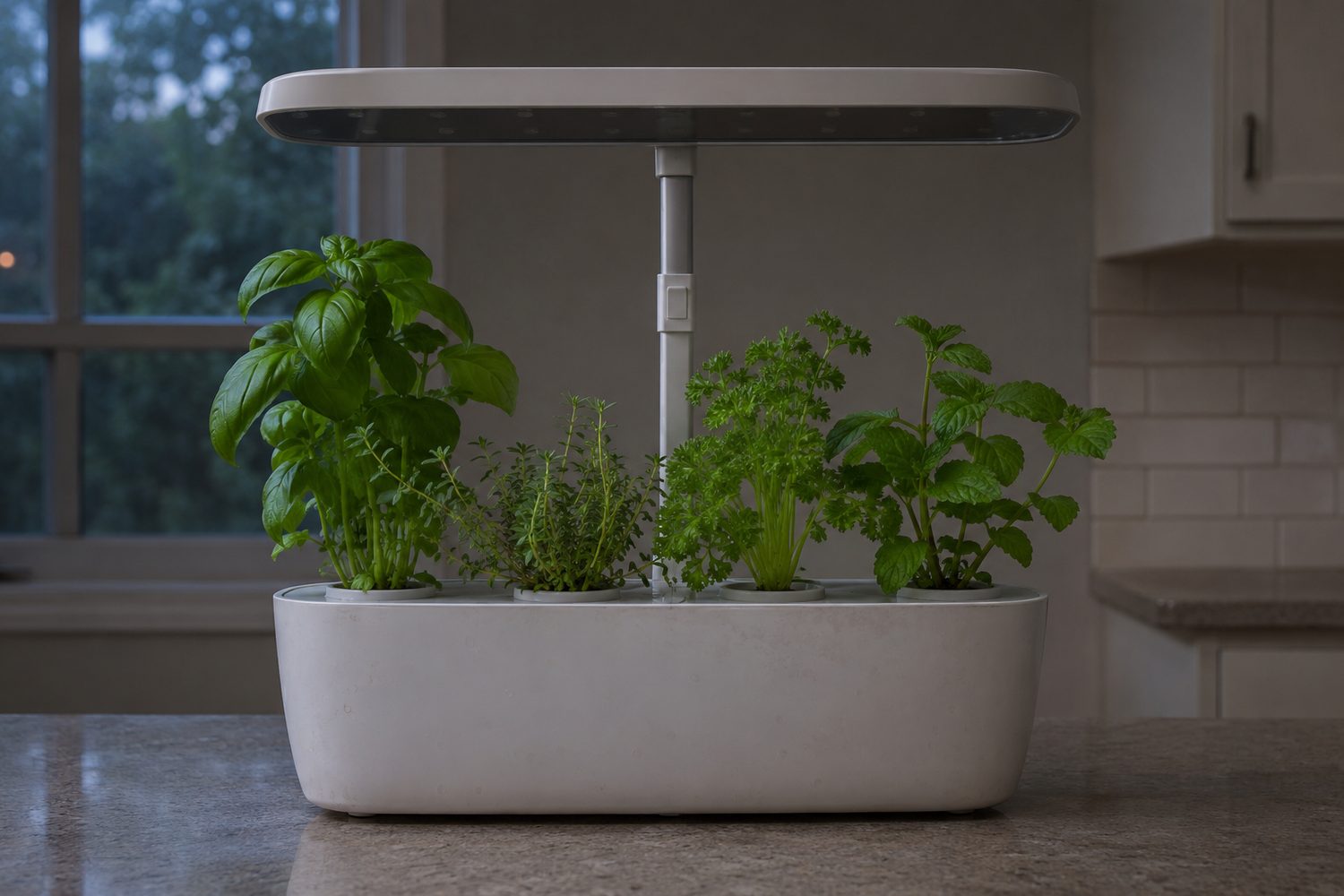
On a Sprout, touch the light button for 1 second to switch the light on or off. Hold it for 5 seconds to reset the light-on time, and hold it for 10 seconds for a full reset. The lights flash once to confirm either reset. If the light is off because the bowl ran dry, add water and let the pump restart; the light returns once the pump detects water.
On a Harvest, Harvest Slim or Harvest 360, tap the white Sun button to switch the light. Hold it for about 5 seconds to set a new light-on time, and the LEDs blink off and on once to confirm. The light then runs 15 hours a day. On a digital Harvest Elite, tap Leaf twice, choose Set Clock and Set Light On, and check both.
Bounty, Farm and Harvest Lite
On a Bounty Basic or Bounty Elite, check the clock under Menu first. The plant type you selected controls how long the light runs, so a wrong clock or wrong plant type looks like a lighting fault.
On a Farm, make sure the LED power cord is fully pushed into both the Farm top and the LED panel, then tap the on/off control next to the sun icon to test the panel. If the light flickers, AeroGarden recommends turning on More Options, Lights, Sunrise/Sunset.
On a Harvest Lite, check that the hood is latched to the post, the post is fully seated in the base, and both the power adapter and pump cord are connected. If the light still does not start, try another outlet and tap the Leaf logo. For a Harvest 2.0, the manual describes a 15-hour light cycle, and holding the Light On/Off control for about 3 seconds sets a new light-on time, per the Harvest 2.0 product page.
LED hoods generally do not need replacing until individual diodes fail. AeroGarden's current FAQ gives a diode lifespan of 2 to 4 years, while older Farm material gives 3 to 5 years, per the Farm Planting Guide. If diodes have failed, that is a support call, not a repair.
Add-water and add-nutrient warnings that will not clear
An add-water alert that stays on after you have filled the bowl can point to the float. The float sits inside a tube in the bowl and tells the garden how much water is left. AeroGarden's FAQs give this reset for a wrong water reading.
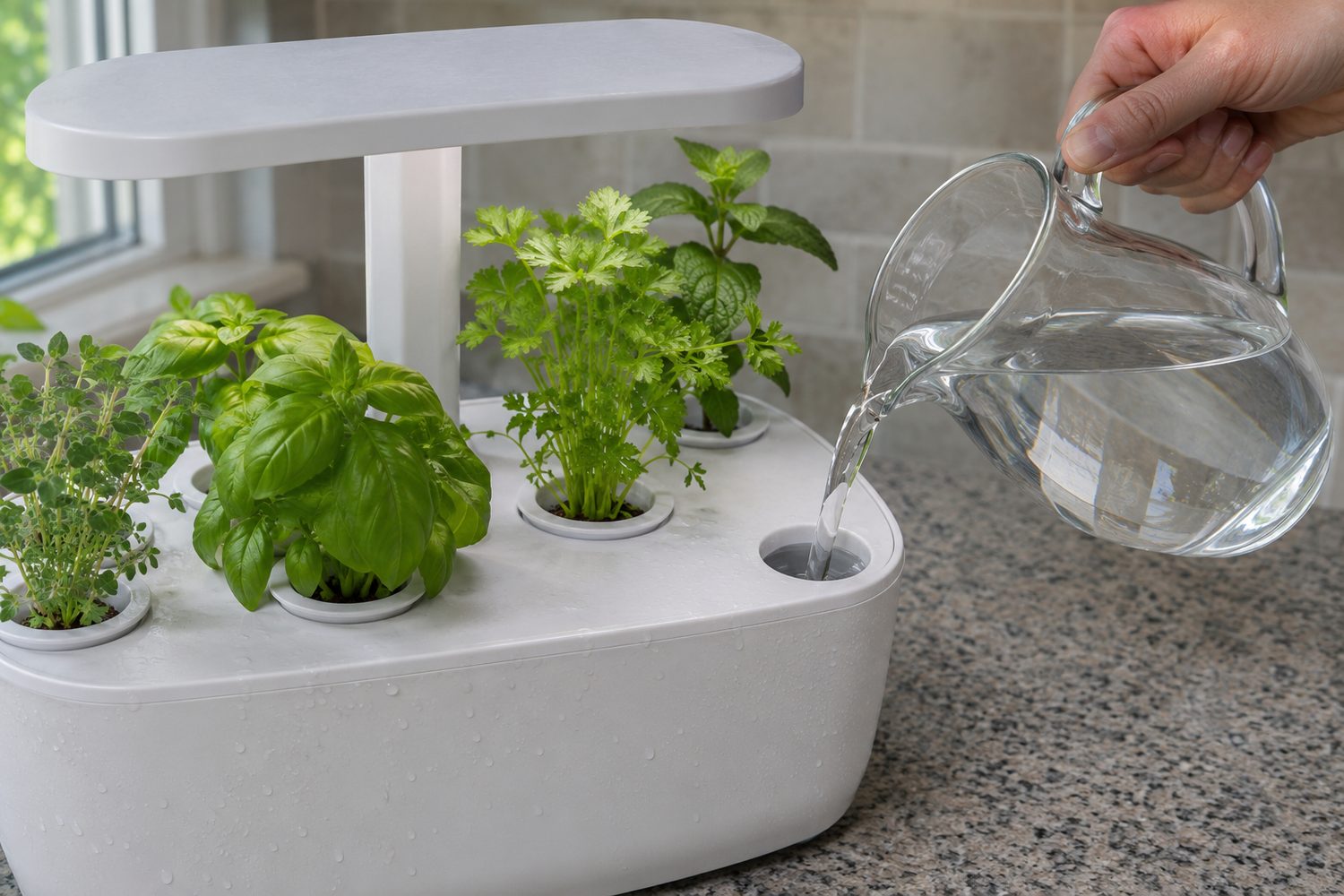
- Remove the tube from the water bowl.
- Lift the float out of the tube with a magnet.
- Put the float back into the tube.
- Reconnect the tube to the garden base.
If the alert still reads wrong, contact AeroGarden support. One owner on a Reddit thread reported that cleaning the float tube with a small bottle brush cleared a false add-water alert on a Bounty Basic, and another commenter reported the same problem on two Bounty units and suggested a failed or waterlogged float. That is one owner's experience, not a manufacturer finding, and cleaning a tube is a different job from repairing electronics.
Nutrient alerts
Most models call for plant food about every 14 days. Add the amount printed on the plant food package, then reset the timer with your model's control. On a Sprout, hold the light button for 3 seconds and the lights flash once. On a Harvest, tap the Leaf button after adding nutrients. On a Harvest 2.0, the single control button dismisses the alert and resets the timer. On a digital Harvest, a Bounty or a Farm, use the touchscreen menu or nutrient control.
On many models the add-water prompt appears at the same moment as the nutrient prompt, as a cue to top off the bowl. AeroGarden recommends a rinse and refill about every four weeks to cut down on mineral buildup, per its seed pod kit instructions. For where those controls sit on each garden, see AeroGarden setup and instructions.
Factory resets by model
A factory reset is the last step before a support call, and it erases timers, plant type, days planted and other settings. Write those settings down first, then use the row for your garden. The sequences below are from AeroGarden's FAQs, the Farm Instruction Guide and the Bounty User Guide (read November 19, 2026).
Hover or tap a row to highlight it.
| Model | How to reset | After the reset |
|---|---|---|
| Sprout | Hold the light button for 10 seconds | Lights flash once |
| Harvest, Harvest Slim, Harvest 360 | With the garden plugged in, hold Plant Food and Lights On/Off together for about 5 seconds | Unplug and reconnect to unlock the controls |
| Harvest Elite, Elite Slim, Elite 360 (digital) | Hold the Up and Down arrows together for about 3 seconds | Welcome page appears; unplug and reconnect |
| Bounty Basic | Hold the left and right arrows together for 5 seconds | Welcome page appears; Quick Plant stays available |
| Bounty Elite | Hold Vacation Mode and Wi-Fi together for 5 seconds | Welcome page appears; re-enter clock, plant type, schedule |
| Bounty touchscreen | Menu, then Garden Settings or More Options, then Restore Defaults or Reset Defaults | Wording depends on firmware |
| Farm 12 and Farm 24 | More Options, then Reset Defaults | Wording varies by Farm generation |
After any reset, re-enter the clock, plant type, light schedule and days planted. For a Farm 12, Farm 12XL, Farm 24, Farm Plus or Farm XL, open the manual for your exact model and follow its Reset Defaults menu, since the touchscreen wording changes between generations.
For a Harvest Lite or a Harvest 2.0, Start with the light, power, pump and nutrient steps above, and if the problem continues, contact support. An owner on a Reddit thread reposted a support reply recommending the 5-second Plant Food and Lights On/Off reset followed by unplugging and reconnecting for a Harvest light timer that quit.
Wi-Fi and app pairing on Bounty and Farm
Wi-Fi pairing applies mainly to Bounty and Farm gardens. AeroGarden's older instructions are to tap the Wi-Fi icon on the garden, search for networks, pick the 2.4 GHz network rather than 5 GHz, type the password exactly with capitals and symbols, and tap OK. Once connected, the garden shows a scan code. In the app, select your garden model, follow the prompts, tap Next, scan the code and name the garden.
When pairing fails, the usual blocks are a 5 GHz network, a garden out of router range, denied Wi-Fi, Bluetooth or camera permission on the phone, a phone and garden on different networks, the wrong login method, or a garden still linked to another account. If settings stay read-only or unresponsive, unpair the garden and pair it again. These are from AeroGarden's FAQs and its page introducing the AeroGarden app.
The garden keeps running without the app. Your light schedule and pump work from the garden's own controls, so a login problem does not have to stop your plants. AeroGarden says the old and new apps cannot run at the same time.
Which gardens the new app supports
The new app supports Bounty models from 2019 onward, Bounty Basic, Bounty Elite, Farm 12, Farm 12XL, Farm 24 Basic, Farm 24Plus and Farm 24XL. Some Classic Harvest, Classic Bounty and first-generation Farm models are excluded because of hardware or security-firmware differences, so use the garden's own controls on those.
The AeroGarden listing on the Apple App Store shows updates through 2025, including added chat support in December 2025. Its reviews include owners reporting spinning login screens, failed sign-ins and light schedules that did not match the app, and the developer acknowledged a login issue and said a fix was in progress. Those are user reports, not a failure rate. For the wider company question, see whether AeroGarden is still in business.
Replacing a part, and what it costs
Accessible, non-electrical or modular parts such as the pump, pump filter, float, grow deck and water bowl can be replaced when the exact part matches your model. Check the manual for your garden to see which parts are removable, and see AeroGarden replacement parts and grow lights too.
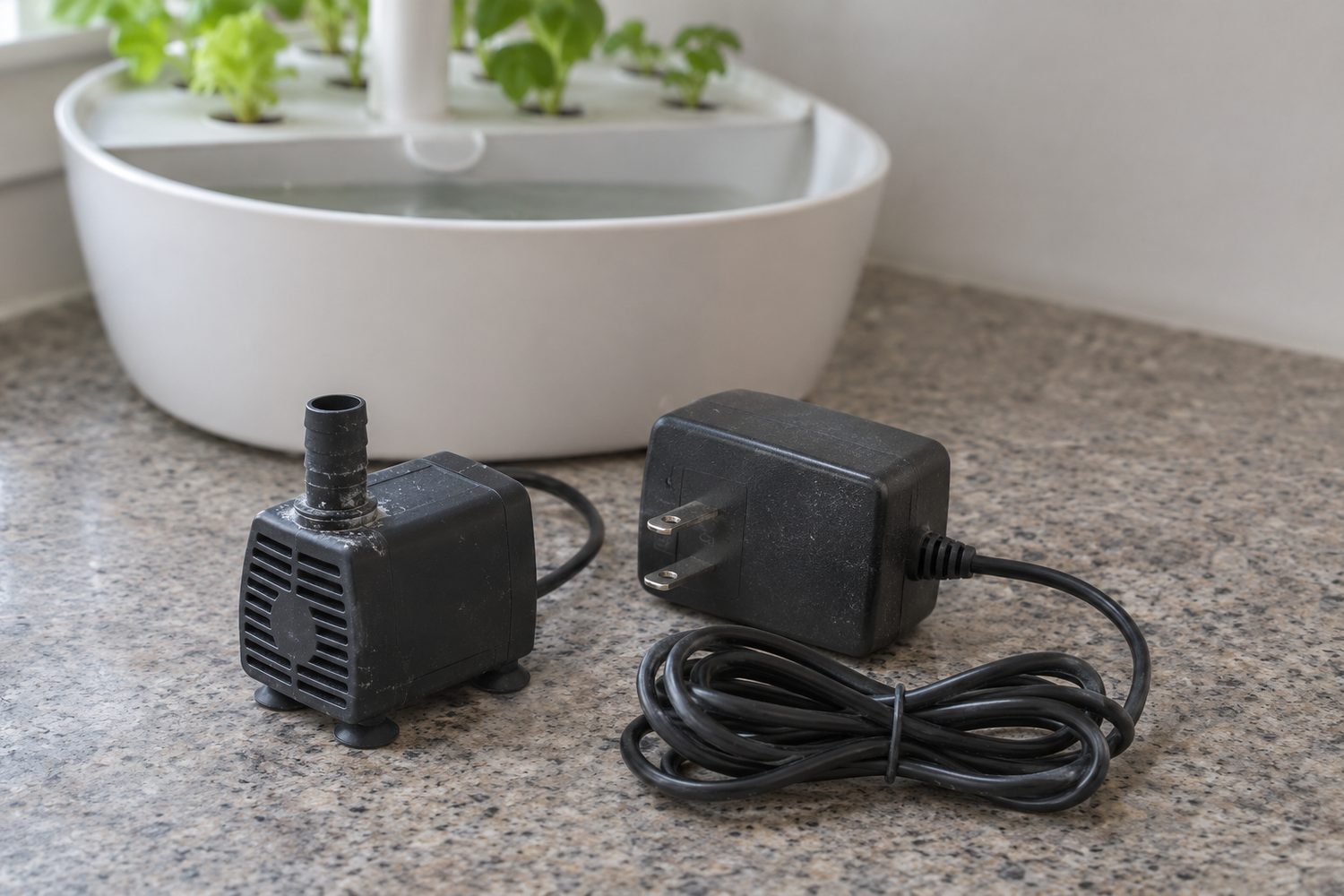
For a pump, power adapter or light hood, ask AeroGarden Consumer Services for the part number, model compatibility and current price before you buy. Do the same before ordering a third-party adapter, since the warranty excludes unauthorized parts and improper voltage.
Price reports from owners are practice, not manufacturer prices. An owner on a Reddit thread said a replacement Bounty pump cost about $15 in April 2023 (read November 19, 2026), and another owner reported buying replacement Bounty water-level sensors on Etsy for a few dollars in 2026. Neither is an AeroGarden price or a compatibility promise. If you are deciding between a new garden and a repair, see what an AeroGarden costs.
Warranty and who to call
AeroGrow's limited warranty covers the original retail purchaser for one year from the purchase date, or from delivery for California purchasers, and the product must come from AeroGrow or an authorized seller. AeroGrow may repair, replace or refund at its discretion. The terms are on the Scotts Miracle-Gro limited warranty page (published September 30, 2025, read November 19, 2026).
To make a claim, tell AeroGrow within the warranty period, describe the defect, provide proof of purchase and, if asked, photos, barcodes or packaging, then follow the return-shipping instructions. The warranty excludes unauthorized modifications, tampering, unauthorized parts or attachments, misuse, improper voltage and power interruptions.
Call AeroGarden Consumer Services at 937-915-2583, or use AeroGarden's contact page, when a pump test fails after your model's steps, an alert stays wrong after the reset, or an electrical part fails. Have your model name, purchase date and proof of purchase ready. If you are still choosing between gardens, see the Harvest models comparison.
Questions owners ask
These come up once the first fix has not worked.
Why is my AeroGarden pump making noise or dripping?
AeroGarden says the pump runs on a timer and is meant to be quiet, and water moving or dripping through the tray can be the sound you hear in normal operation. Run your model's pump test and watch whether water moves before you replace anything.
Why did my Sprout light and pump both turn off?
A low-water safety shutoff stops both. Add water, tilt the bowl gently to move water past the pump, set the bowl back and give the pump time to finish both checks, since AeroGarden says it may check for water at about 8 seconds and again about 16 seconds later.
Will a factory reset delete my plants?
No, it clears the garden's settings, not the plants. It erases timers, plant type, days planted and other settings, so note them first and enter them again afterward.
My app will not pair. Can I still grow?
Yes. AeroGarden says the garden remains fully functional without app support, so use the garden's own controls for lights and pump while you check the 2.4 GHz network, permissions and account link. Older Classic and first-generation Farm models are not supported by the new app.
Can I order a cheaper third-party pump or adapter?
Ask Consumer Services for the part number and compatibility first. The warranty excludes unauthorized parts and improper voltage, so a mismatched adapter can put your coverage at risk.
Sources
Prices, stock and specifications are as the linked pages showed them on 2026-11-19.
- FAQs
- Farm Instruction Guide
- Sprout product page
- manual index
- Harvest 2.0 product page
- Farm Planting Guide
- a Reddit thread
- seed pod kit instructions
- Bounty User Guide
- a Reddit thread
- introducing the AeroGarden app
- AeroGarden listing on the Apple App Store
- a Reddit thread
- Scotts Miracle-Gro limited warranty page
- AeroGarden's contact page
Keep reading
The journal
AeroGarden Herbs: Which Ones Struggle and How to Prune Them
Which AeroGarden herbs grow well, how to prune basil so slower herbs get light, when and how to cut, and how long each planting keeps producing.
Read AeroGarden Herbs: Which Ones Struggle and How to Prune ThemThe journal
AeroGarden Lettuce: Which Greens to Grow and How to Harvest
Which AeroGarden lettuce and leafy greens grow well, how to cut them so they regrow, how long a pod keeps producing and how much salad it makes.
Read AeroGarden Lettuce: Which Greens to Grow and How to HarvestThe journal
AeroGarden Plant Food Cost: Doses and Hydroponic Alternatives
Running low on AeroGarden plant food? Hydroponic nutrients such as FloraSeries and MaxiGro have their own rates, so check the label before you switch.
Read AeroGarden Plant Food Cost: Doses and Hydroponic AlternativesThe journal
AeroGarden Seed Starting System: Which Size Fits Your Garden
AeroGarden seed starting system trays come in four versions. Match one to your garden, start seeds weeks before the last frost, then move seedlings to soil.
Read AeroGarden Seed Starting System: Which Size Fits Your Garden